Build an indicator headless
> Write a script that flags CVD divergence.
→script_create
→script_get_diagnostics
Saved and compiled, with MMT closed.
Builders › MCP
Connect an AI agent to drive the terminal and build indicators.
Connect your agent> Set up a BTC footprint desk and write a CVD divergence script.
→workspace_set_layout2x layout applied
→widget_addchart · BTCUSD
→chart_add_layerfootprint
→script_createcvd-divergence.mmt
→script_get_diagnosticspassed
→script_editor_openopened
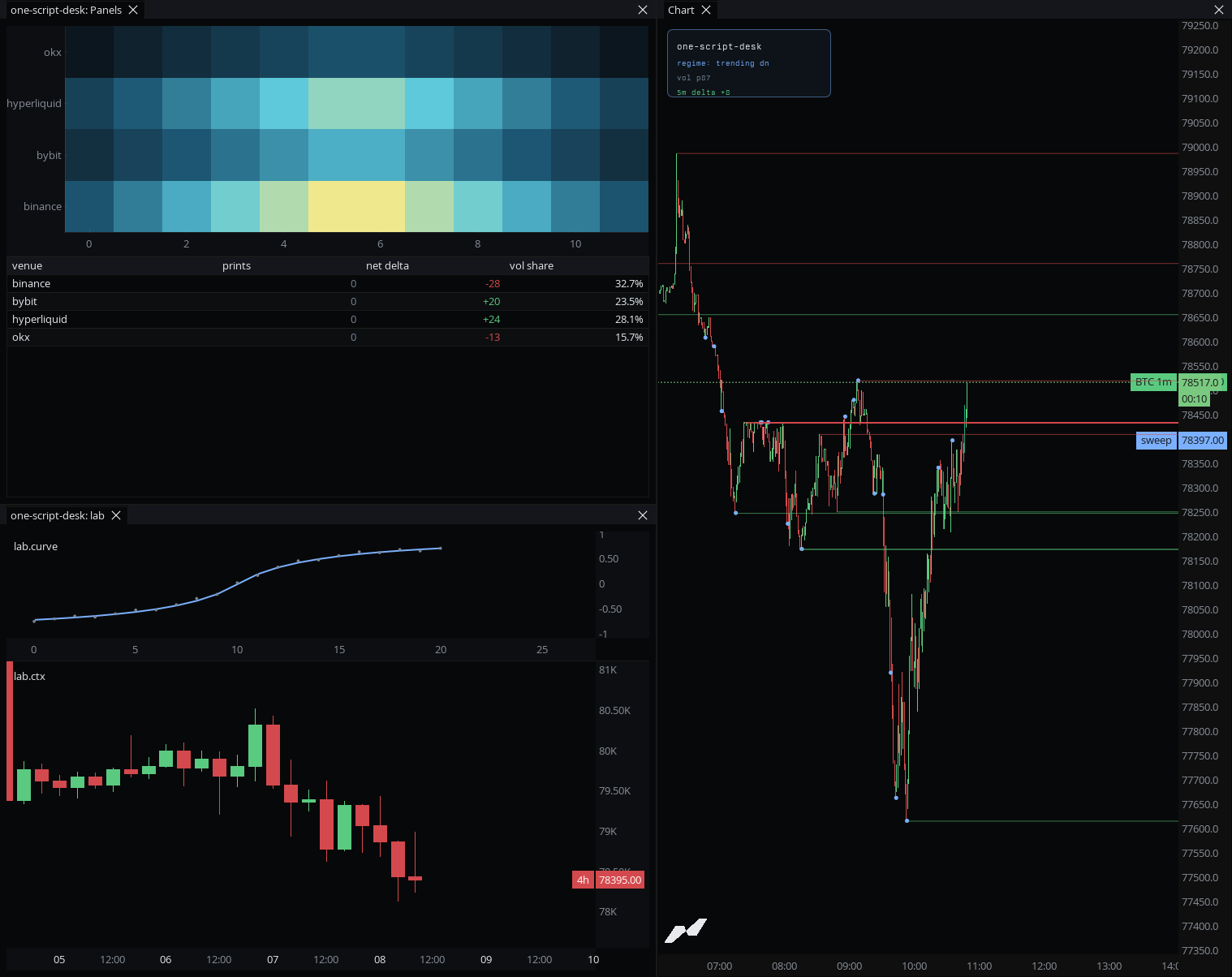
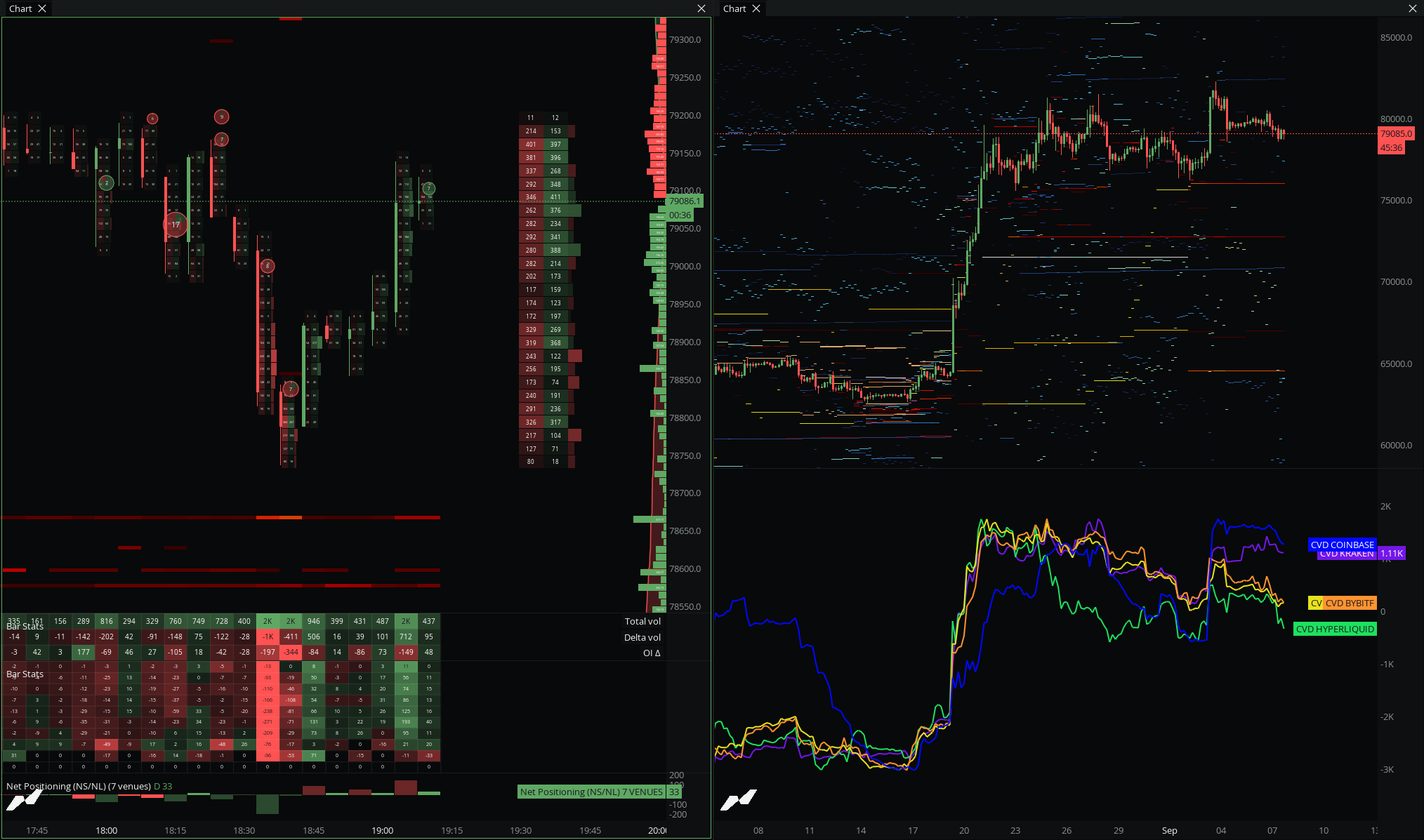
The footprint desk is live and the script compiled clean.
Apply a layout, add widgets, layers, and drawings, and read your current chart and workspace state.
> Give me a 2x2 desk with footprint and a heatmap.
Create, read, and edit scripts, even while MMT is closed, with the language reference and diagnostics in context.
> Write a script that flags CVD divergence.
It does not place orders or send signals. Trading keys are a separate system, and publishing a script still needs builder approval. What an agent can do is bounded by the token scope you give it.
Sixteen tools across two families. Each one reads or writes, nothing else.
| Tool | Does | Access |
|---|---|---|
| Drive the terminal | ||
| m5_get_status | Read workspace, session, and chart state | Read |
| workspace_set_layout | Apply a layout preset | Write |
| widget_add | Add a widget to the workspace | Write |
| chart_add_layer | Add an indicator or data layer to a chart | Write |
| chart_add_script | Add a script layer to a chart | Write |
| draw_tool_add | Add a drawing to a chart | Write |
| Build indicators | ||
| script_list | List your scripts | Read |
| script_get | Read a script and its latest revision | Read |
| script_create | Create a new script | Write |
| script_update_code | Update script code | Write |
| script_update_metadata | Update a script's name and metadata | Write |
| script_fork | Fork a source-visible script | Write |
| script_archive | Archive a script | Write |
| script_get_diagnostics | Read compile diagnostics | Read |
| script_editor_open | Open a script in the editor | Write |
| script_api_reference | Read the language reference | Read |
> Write a script that flags CVD divergence.
→script_create
→script_get_diagnostics
Saved and compiled, with MMT closed.
> Give me a 2x2 desk with footprint and a heatmap.
→workspace_set_layout
→widget_add
→chart_add_layer
Layout applied and widgets added.
> Fork this indicator and change the length to 50.
→script_fork
→script_update_code
Forked, edited, and diagnostics clean.
MMT generates copy-ready setup in the terminal. Agent setup also lives at/llms.txt.
Claude Code
generated command
Claude Desktop
JSON config
Cursor
JSON config
ChatGPT · Codex
generated config
Create a named token, shown once and stored hashed. Publishing is never in scope, and you can revoke any token immediately.
My first ever indicator developed on MMT Scripting v3 (Beta). What started as a project to learn the new language turned into this monster on $BTC.
@BigBoyOrderflow
I was scripting Japanese candlestick labels over the footprint data the other day. Each pattern, bearish engulfing and so on, represents a read on buyer/seller conviction, so it was cool to assess that.
@Blueprint_So9
I can't lie, I've been eyeing MMT for about a year now and it's becoming impossible to ignore. With more people knowing about it, IMO it will take over the crypto market in the future, especially with the AI tools.
@CikiTrades
No. The MCP server drives the terminal and manages scripts. It has no order capability, and trading keys are a separate system.
No. An agent can create, edit, and archive scripts within scope, but publishing to the community catalog still requires builder approval.
Script creation and editing work headless, with MMT closed. Live control, opening the editor, and compile feedback need an open MMT session.
Revoke the token in settings and it stops working immediately. Tokens are shown once and stored hashed.
You pick a scope preset when you create the token: full control, full control plus metadata and archive, or read-only.