Platform + Workflow
Your whole desk.
Saved and shared.
Workspaces, linked widgets, alerts, bar replay, and 19 drawing tools. The terminal around the indicators.
Launch App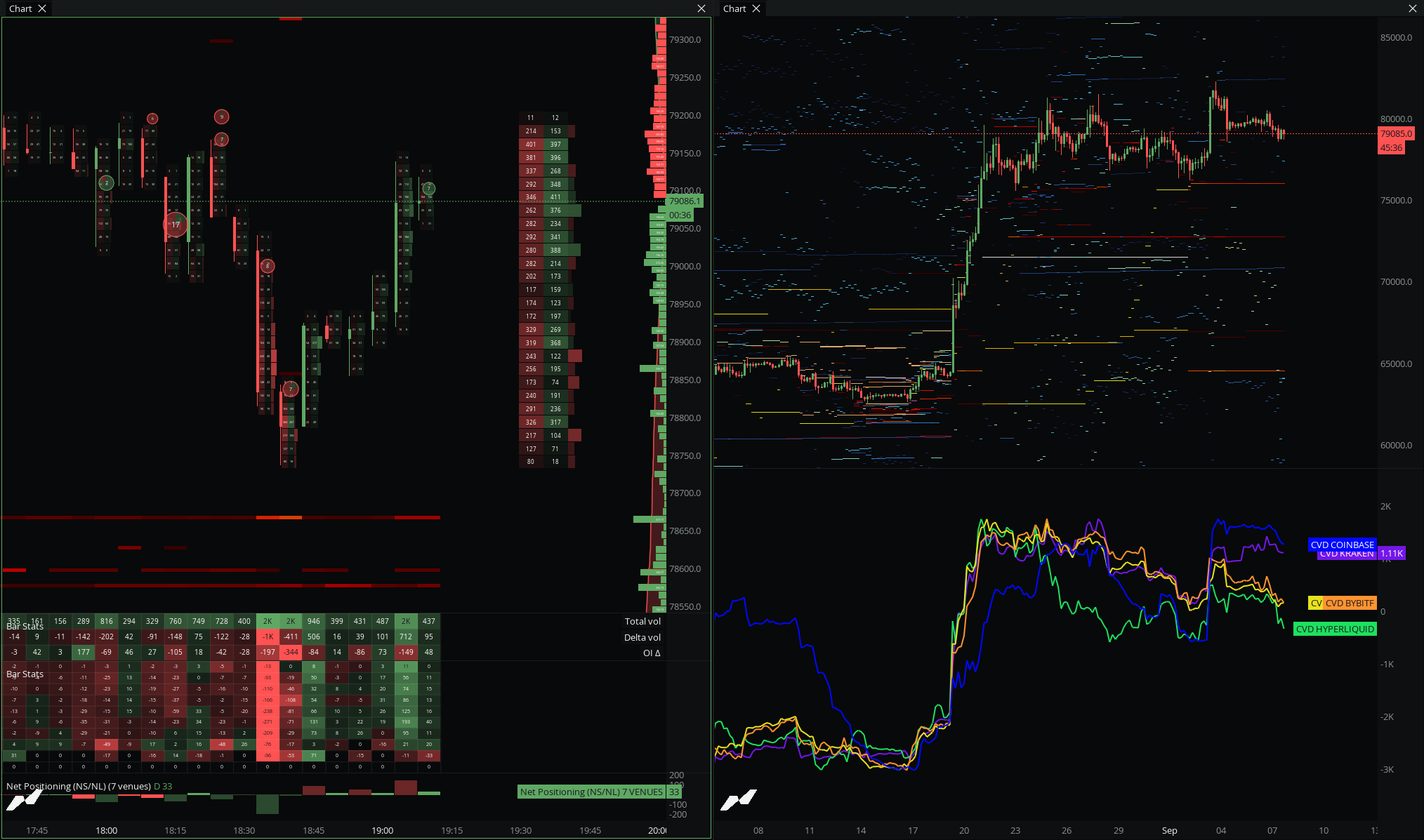
The platform layer is everything around the charts: saved workspaces, linked widgets, custom keybindings, alerts to Discord and Telegram, bar replay, and drawing tools. It runs in the browser, so your setup follows your login instead of a desktop install.
Six tools.
The terminal around the charts.
Workspaces + Community
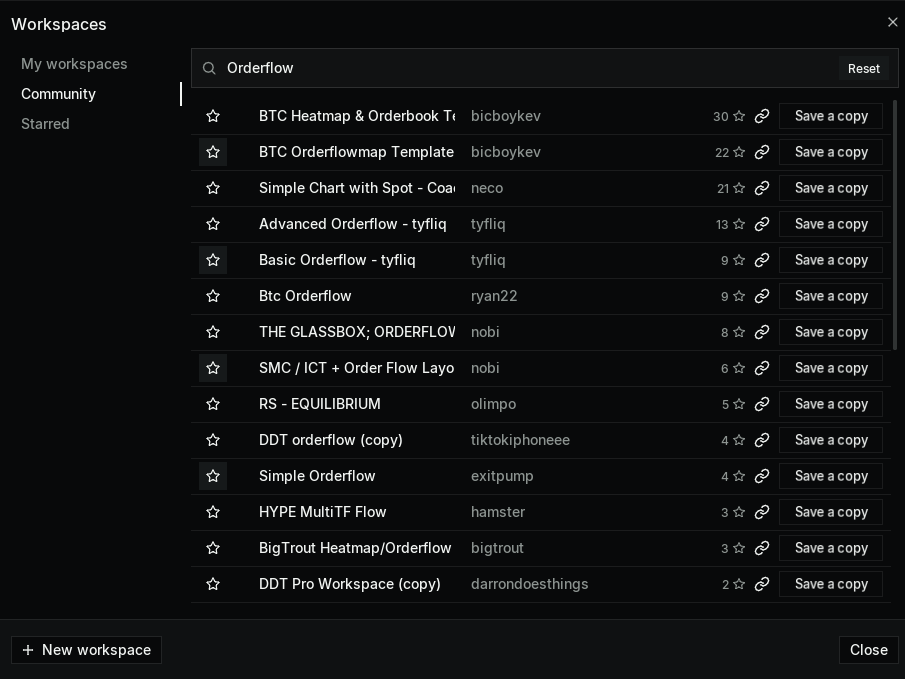
Only on MMTSave your entire desk and load anyone else's. Widgets, layouts, drawings, and links, all in one file.
- Saves widgets, chart layers, drawings, link groups, and layout
- Publish to the community catalog with stars and attribution
- Private share links, or export and import as JSON
- Nine quick-switch slots for your go-to setups
Layouts + Widget Linking
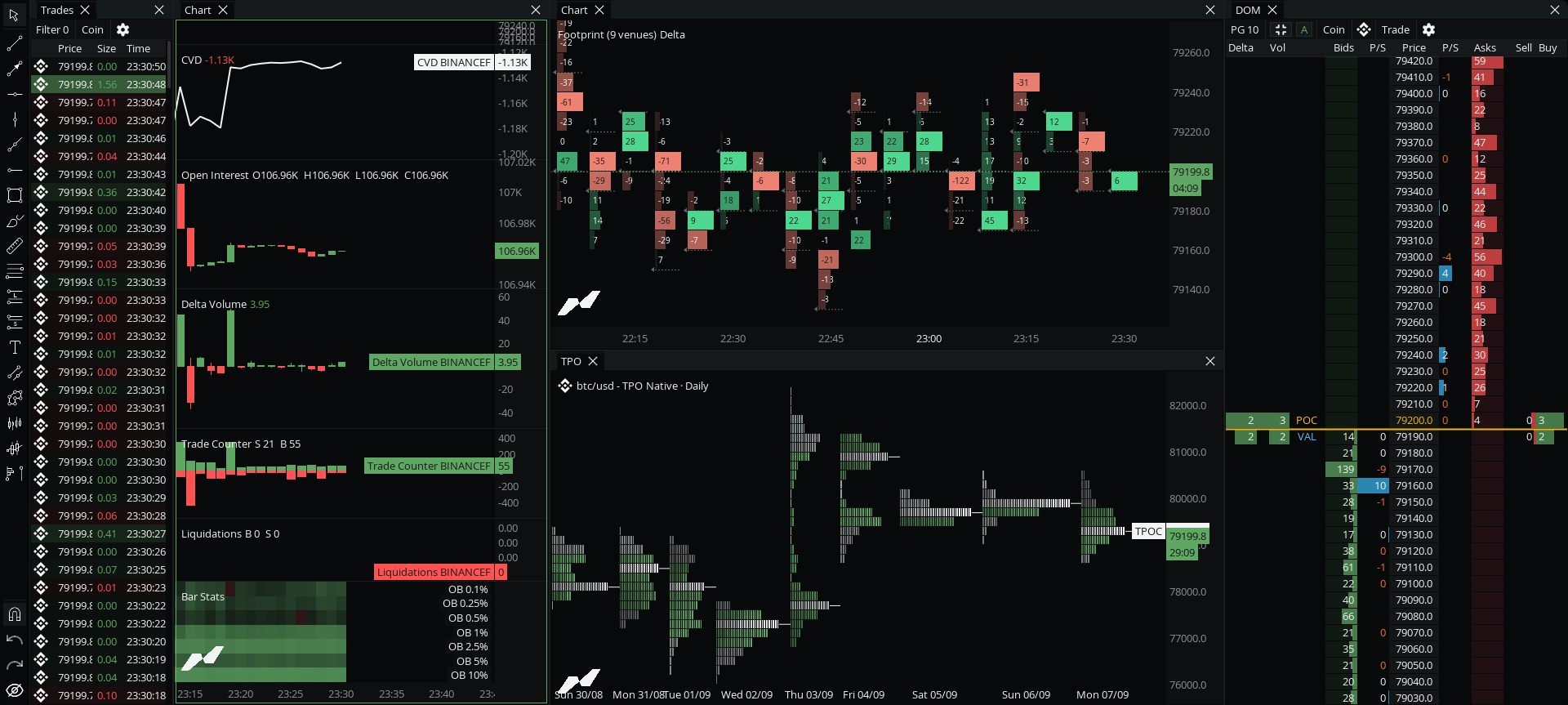
Dock, float, and tab widgets, then link them so they move together.
- Layout presets or free-form docking
- Color link groups across widgets
- Sync market, timeframe, crosshair, and drawings
- One click retargets the whole desk to a new market
Command Palette + Keybindings
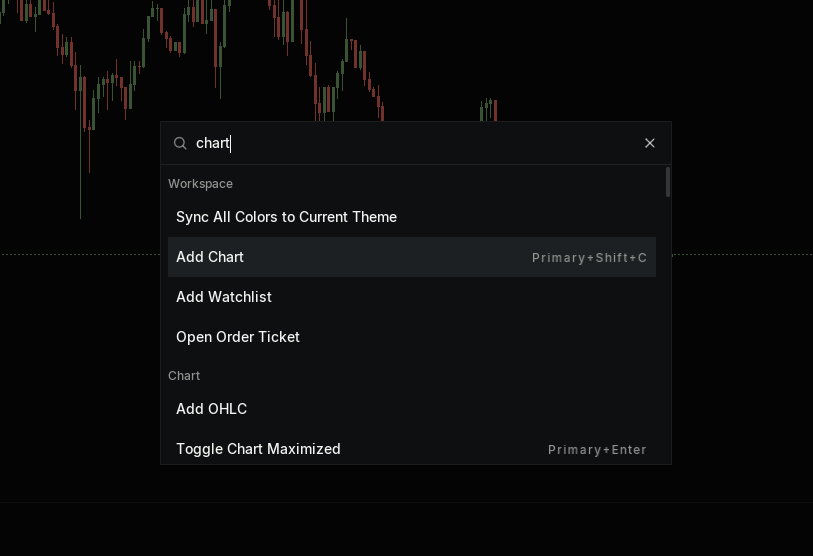
Run any action from a search box, and bind it to whatever keys you want.
- Every action in one searchable palette
- Fully rebindable shortcuts
Alerts
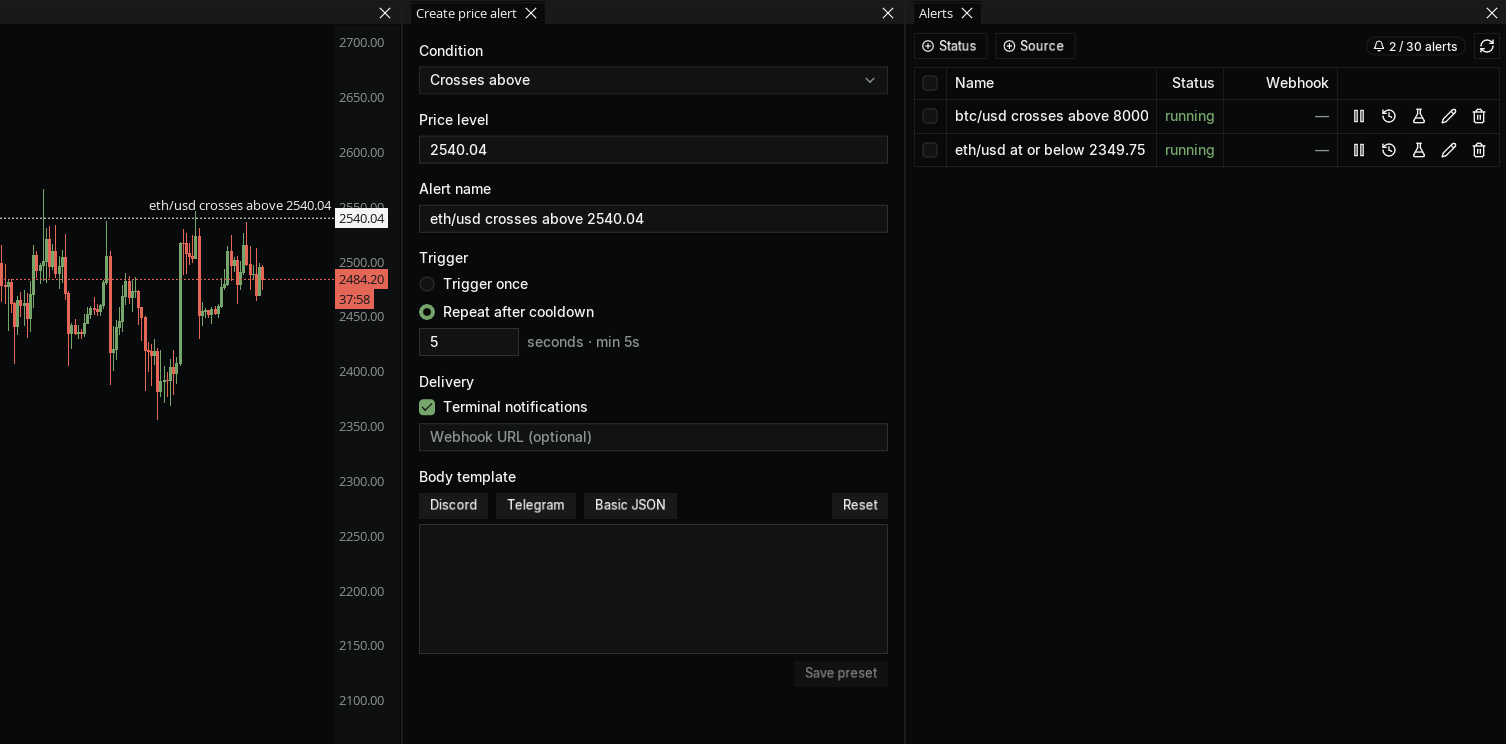
Set alerts on price, plots, or your own scripts, and route them where you watch.
- Price, plot-series, and script conditions
- Discord and Telegram built in, any webhook URL on Ultra
- Manager with bulk actions, history, and test sends
Bar Replay + Non-time Charts
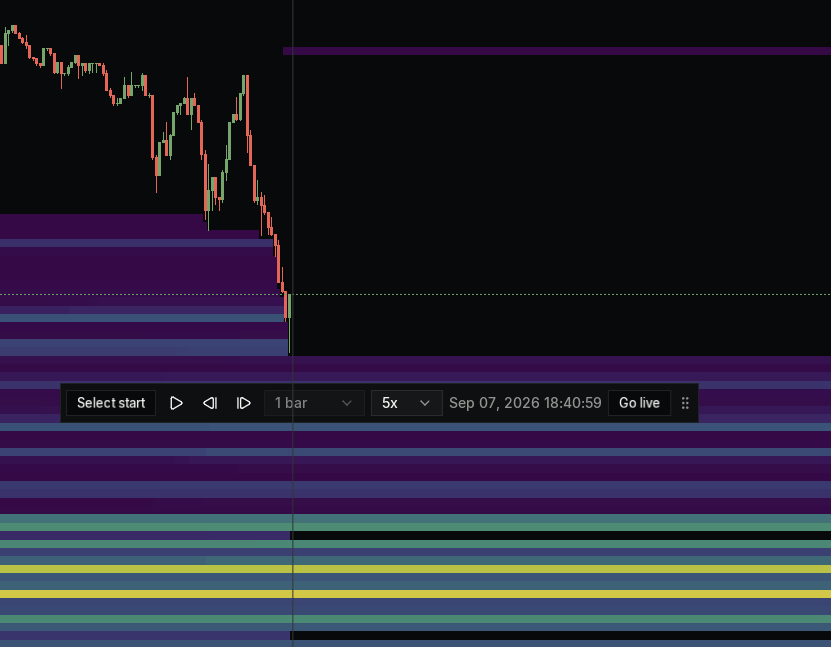
Replay the tape bar by bar, and build bars by something other than time.
- Step through history at any speed
- Non-time bars with footprint, CVD, and volume profile still working
- Bar replay on Pro and up
Drawings, Templates, Watchlist, Themes
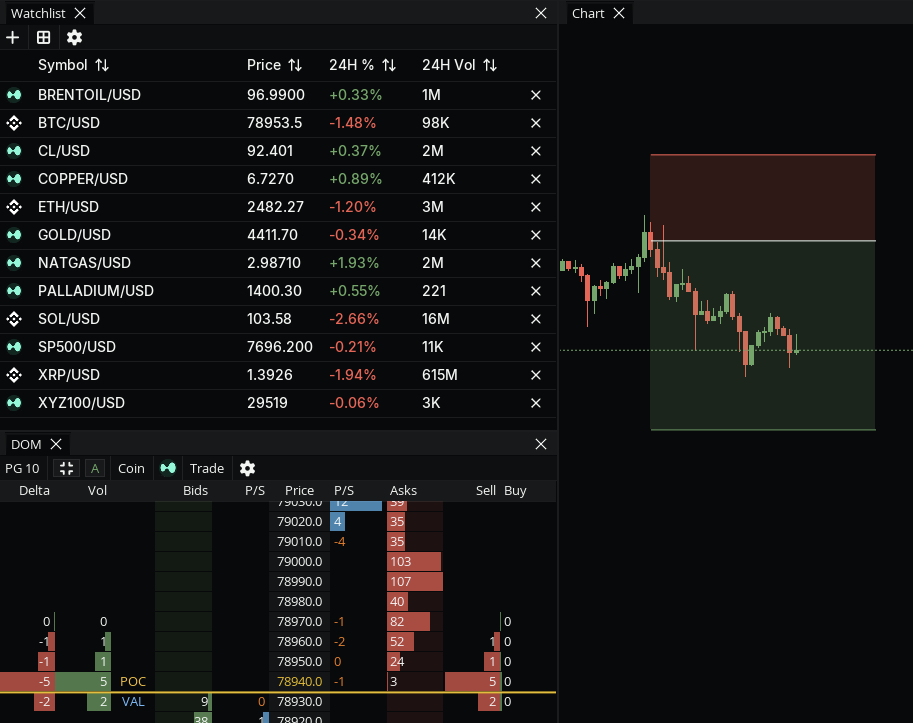
The rest of the desk, dialed in the way you like it.
- 19 drawing tools, including anchored VWAP and fixed-range volume profile
- Chart templates and indicator sets
- Watchlist as a table or a heatmap
- Themes and chart backgrounds
No install.
Your desk, any machine.
No download, no separate sync tool. Your setup follows your login on any machine you sign in from.
Related categories
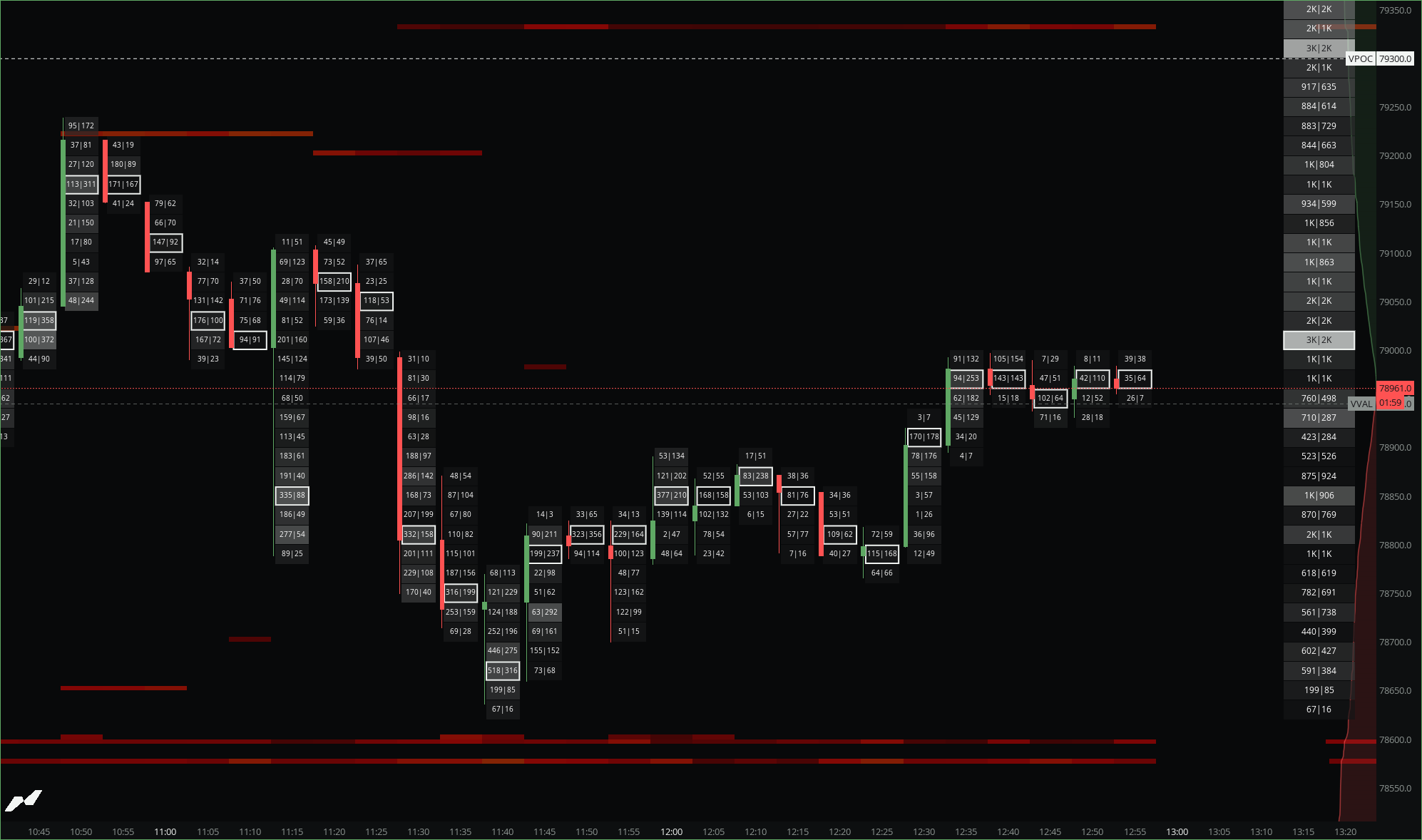
Order Flow
The tools this desk is built to run.
Explore →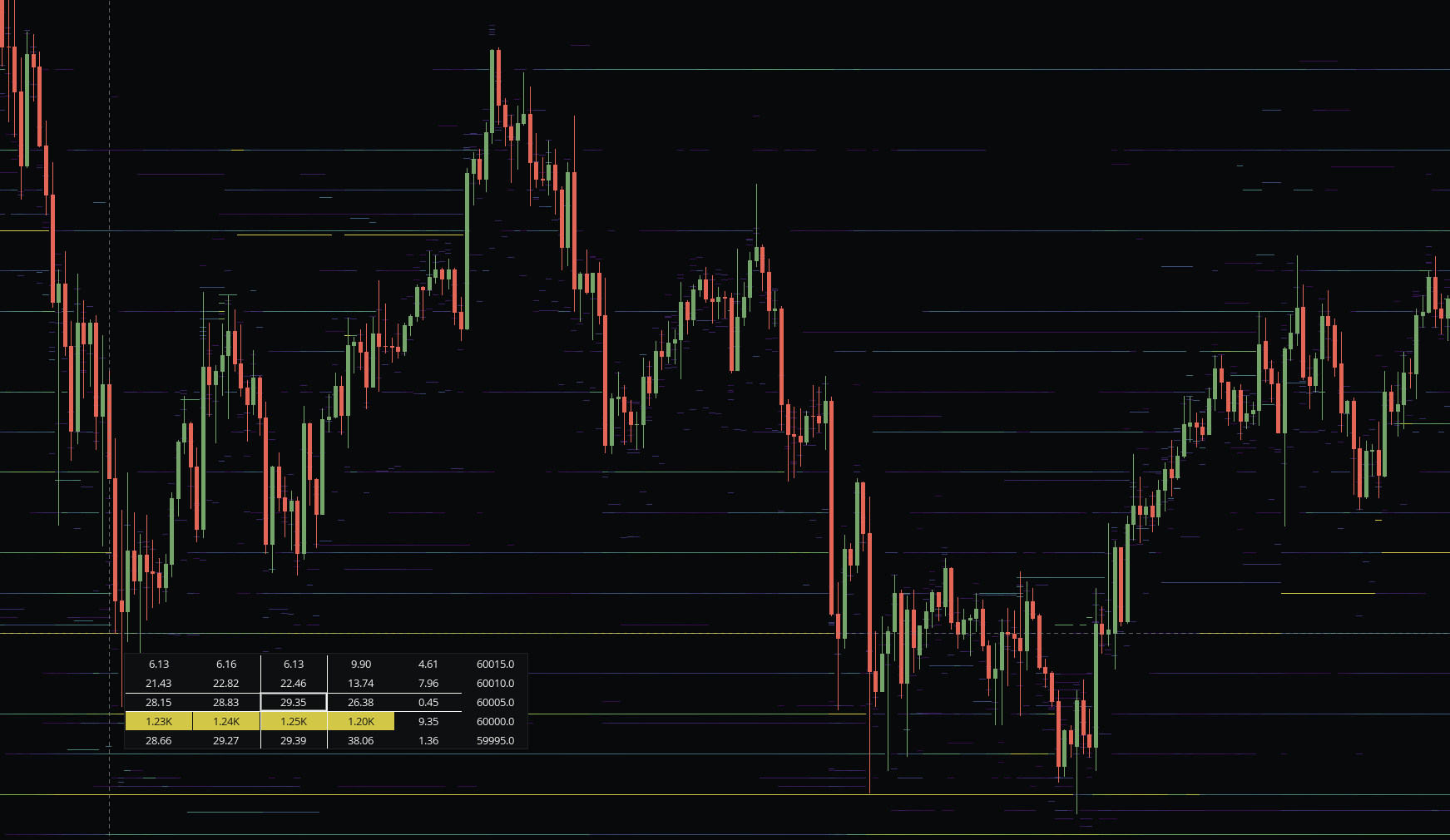
Liquidity
Heatmaps and maps, in your workspace.
Explore →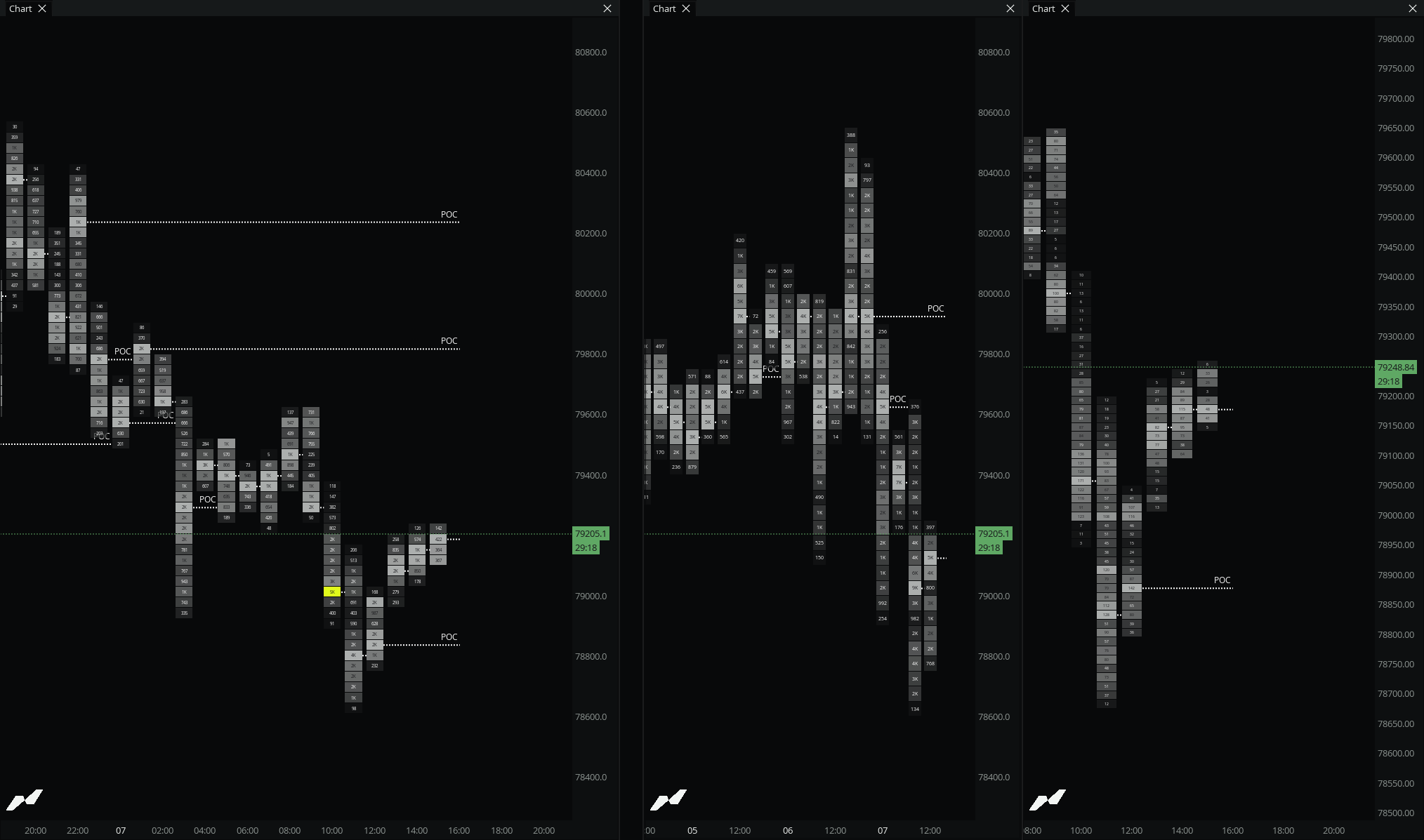
Volume + Profile
Profiles and TPO, saved with your layout.
Explore →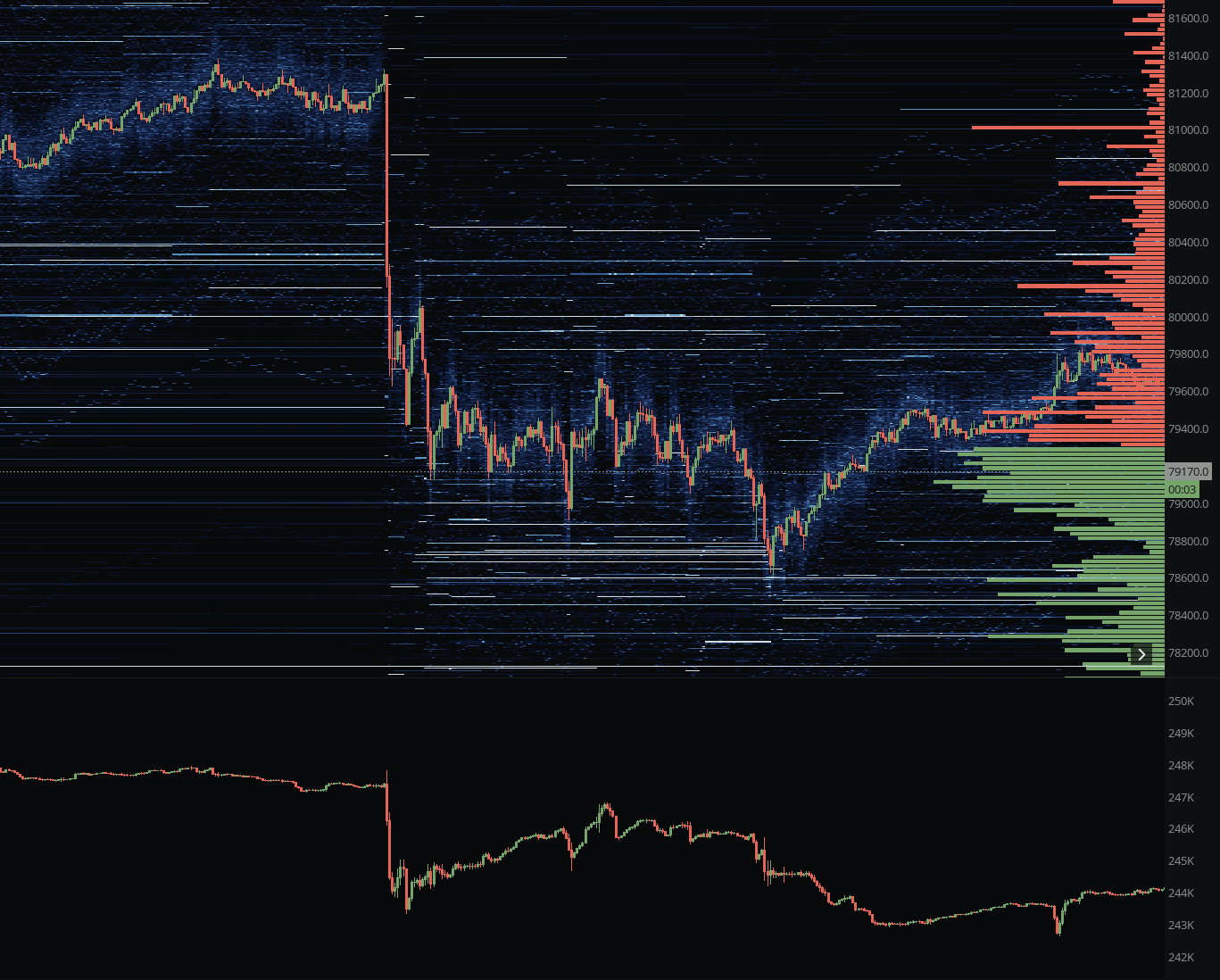
Derivatives
OI, funding, and positioning widgets.
Explore →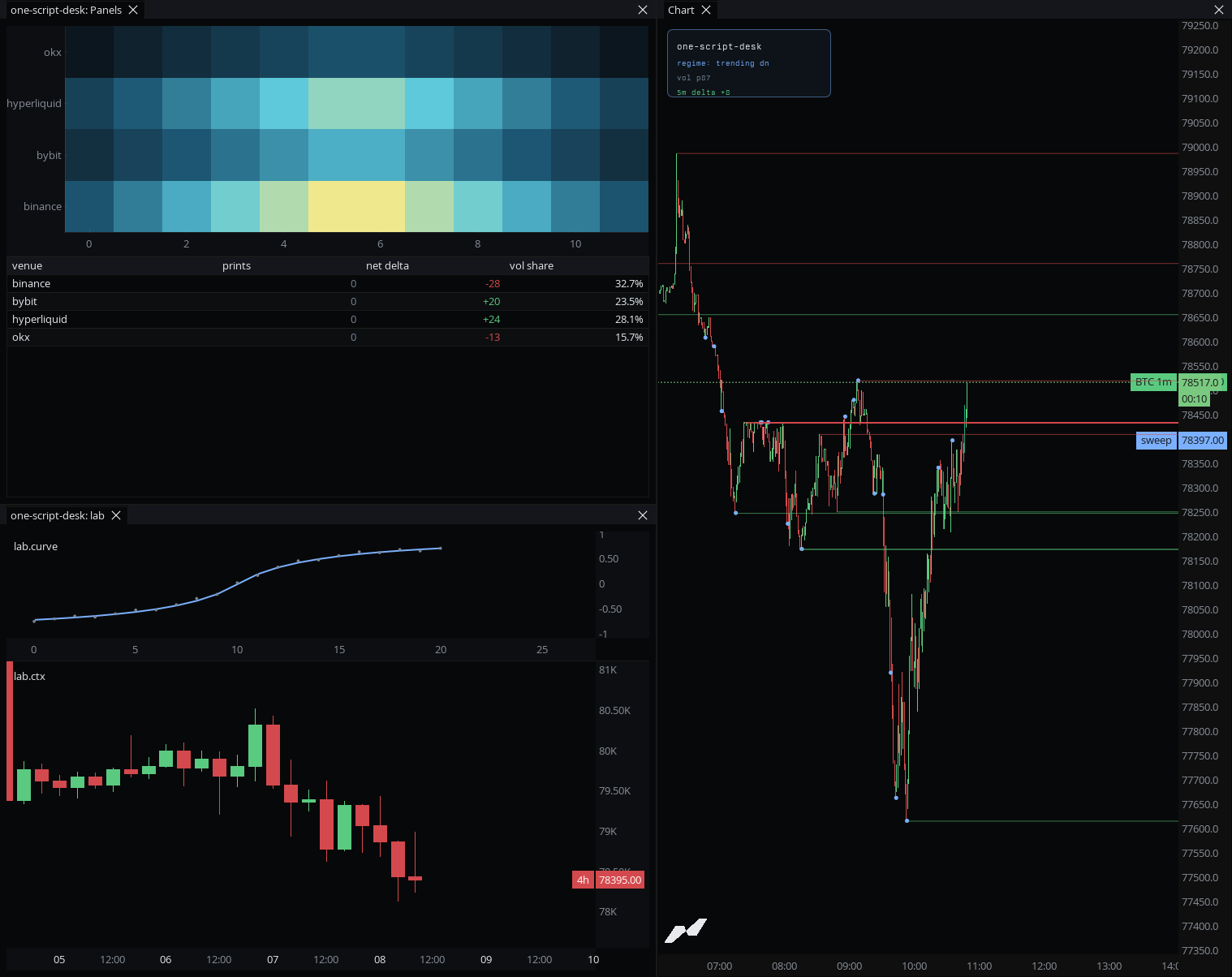
Builders
Script the alert payloads and your own indicators.
Explore →Traders on the terminal.
Do or die here. Under 106k's $BTC is fucked up imo. BTW, been testing @MarketMonkey_ terminal of @anthdm and it's FUCKING GOOD.
@DieguitoCharts
I truly love this platform. I've been trading OrderFlow for multiple years on other platforms now, and honestly, I was a bit hesitant about starting from zero again knowing the time it takes to get used to a new environment. It literally took me just one day to get everything set up. Since then, it's been pure signal.
@The_JDK99
You get all the advanced analysis tools for free using MMT now. Have been using it for a while, and it's really great. MMT is building something special.
@Trader1andy
Questions?
Answers.
Can I share my workspace?+
Yes. Publish it to the community catalog with stars and attribution, or send a private share link. You can also export and import a workspace as a JSON file.
Do alerts fire when the browser is closed?+
Alerts with a webhook destination, Discord, Telegram, or a URL, deliver even when the browser is closed. Terminal notifications show up when the app is open.
How many alerts do I get?+
Free includes 1 alert, Pro includes 20, and Ultra includes 30, with alert history kept for 7, 30, and 180 days.
What are non-time charts?+
Non-time charts build bars from something other than a fixed time interval, so a bar closes on ticks or volume instead of the clock. Footprint, CVD, volume profile, and bar stats all render on them. Rotation candles are on Ultra.
Can I rebind every shortcut?+
Yes. Keybindings are fully rebindable, and every action is available from the command palette.
Free forever. Pro when you outgrow it.
Start free with no card. Upgrade only when you hit a limit.
Free
Kick the tires. No credit card.
$0$0/mo
forever freeforever free
- 4 Widgets
- 5 Layers per chart
- 2 Charts
- 2 Saved workspaces
- 1 Alert
PRO
Most popularFor traders who take this seriously
$69$29/mo
Billed monthlyBilled at $348
- 50 Widgets
- 20 Layers per chart
- 20 Chart templates
- 20 Saved workspaces
- 20 Alerts
- 5 Custom timeframes
- 25k Historical bars
- 5k Sub-minute bars
Enhanced edge & increased limits.
$99$42/mo
Billed monthlyBilled at $499
- 100 Widgets
- 50 Layers per chart
- 50 Chart templates
- 50 Saved workspaces
- 30 Alerts
- 20 Custom timeframes
- 50k Historical bars
- 10k Sub-minute bars
- Non-time rotation candles
Pay with crypto
Annual plans available via USDC or USDT.
Cancel anytime. No questions, no guilt trips.