Everything the terminal does.
In one place.
Footprint, heatmaps, liquidations, profiles, derivatives, execution, and Hyperliquid, across 20+ exchanges, all in the browser.
Launch App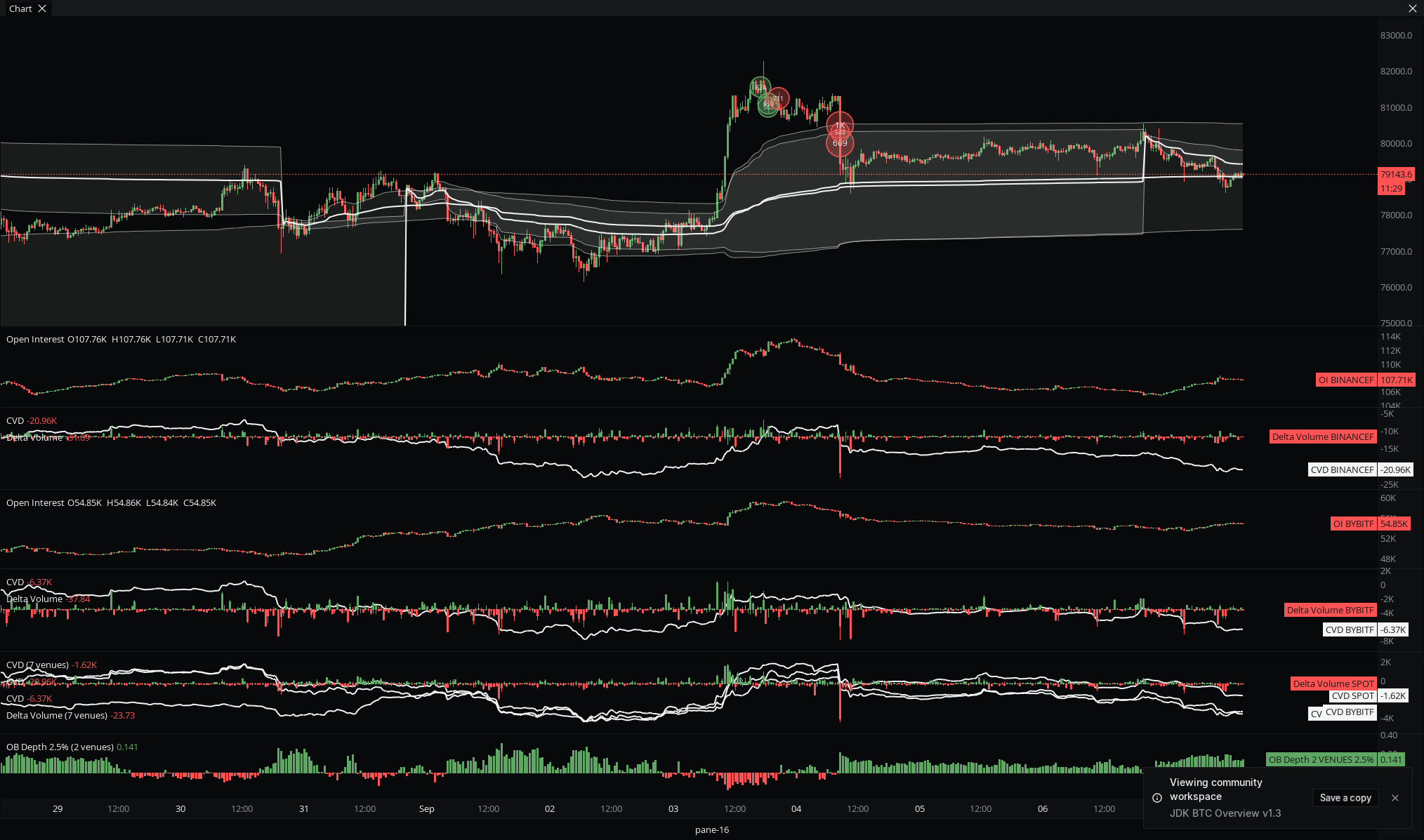
Every tool, by category.
Seven suites, one browser terminal. Jump into any category for the full breakdown.
Order Flow
All →Footprint
Volume by price inside every bar.
CVD + Delta
Cumulative and per-bar aggression.
Volume Bubbles
Large prints marked on the chart.
Bar Stats
30+ statistics under each bar.
Trade Pulse + Counter
Prints in real time, by side.
DOM + Tape
The ladder and the raw tape.
Liquidity
All →OB Heatmap
Resting bids and asks, SD or HD.
Liquidation Heatmap
Where liquidations cluster.
HL TP / SL / Liq Maps
Real Hyperliquid position levels.
OB Depth + Profile
Size near price, by band.
Order Book
Full ladder with trade and size heat.
Volume + Profile
All →VPVR + VPSV
Visible-range and session profiles.
TPO / Market Profile
A native TPO chart.
Anchored VWAP
Any anchor, three bands.
Volume
Per bar, split by side.
Derivatives
All →Open Interest
Contracts open, across venues.
Funding Rate
Cost to hold, on the chart.
Liquidations
On-chart plus a live feed.
Net Positioning
Long or short, with absorption.
Prediction Markets
Event odds beside price.
Platform + Workflow
All →Workspaces + Community
Save and share your whole desk.
Layouts + Linking
Dock, float, link by color.
Command Palette
Every action, rebindable.
Alerts
Price, plot, script, to Discord and Telegram.
Bar Replay + Non-time
Replay, plus tick and volume bars.
Drawings + Templates
19 tools, themes, watchlist.
Execution
All →Order Ticket
Draggable limit, TP, and SL rays.
Algo Suite
Scale, chase, and TWAP.
DOM Trading
Trade the ladder directly.
Orders + Lines
Manage positions from the chart.
Providers
Hyperliquid, Propr, Lighter.
Hyperliquid
All →HL TP / SL / Liq Maps
Real resting position levels.
HL Footprints
OI, net long, net short per bar.
Account Model
Master, subaccounts, vaults.
Execution on HL
Sign locally, fund on Arbitrum.
Whole terminal on HL
Every tool on HL markets.
How it compares.
Order flow depth of a desktop terminal, in a browser, on aggregated data.
| Capability | MMT | Bookmap | ATAS | TradingView |
|---|---|---|---|---|
| Runs in the browser, no install | ✓ | — | — | ✓ |
| Native footprint charts | ✓ | ✓ | ✓ | partial |
| Level 2 DOM and tape | ✓ | ✓ | ✓ | — |
| Order book heatmap | ✓ | ✓ | ✓ | — |
| Liquidation heatmap | ✓ | — | — | — |
| Real Hyperliquid position maps | ✓ | — | — | — |
| Multi-exchange aggregation | ✓ | partial | — | partial |
| Native TPO chart | ✓ | partial | ✓ | partial |
| On-chart execution | ✓ | ✓ | ✓ | partial |
| Custom scripting | ✓ | ✓ | ✓ | ✓ |
| Community indicators | ✓ | partial | partial | ✓ |
| Free to start | ✓ | partial | partial | ✓ |
As of 2026. TradingView footprint is Premium-gated and its TPO is community scripts; Bookmap multi-exchange aggregation is capped. See the full comparison pages for head-to-heads.
One aggregated feed.
Spot, futures, and perps.
MMT (mmt.gg) is a browser-based crypto order flow terminal. Data is aggregated across 20+ exchanges, and every tool runs on one feed, real time and historical, with no install.
- 20+
- Exchanges
- 27
- Official indicators
- 266
- Community indicators
- 3
- Market types: spot, futures, perps
Questions?
Answers.
Is MMT free?+
Yes. The Free plan has no time limit and includes core order flow tools, 20+ exchanges, and community indicators. Pro and Ultra add more data history, alerts, and pro indicators.
What data is included?+
Aggregated order flow across 20+ exchanges: footprint, order book heatmaps, liquidations, open interest, funding, and CVD. Spot, futures, and perps.
What markets does it cover?+
Crypto spot, futures, and perpetuals across 20+ exchanges, including Hyperliquid.
Do I need to install anything?+
No. MMT runs in the browser. Nothing to download, and your workspace follows your login on any machine.
Can I build my own indicators?+
Yes. Write custom indicators in the built-in editor on real order flow data, or add any of the 266 community indicators.